To save a single recipe as a PDF, follow these steps:
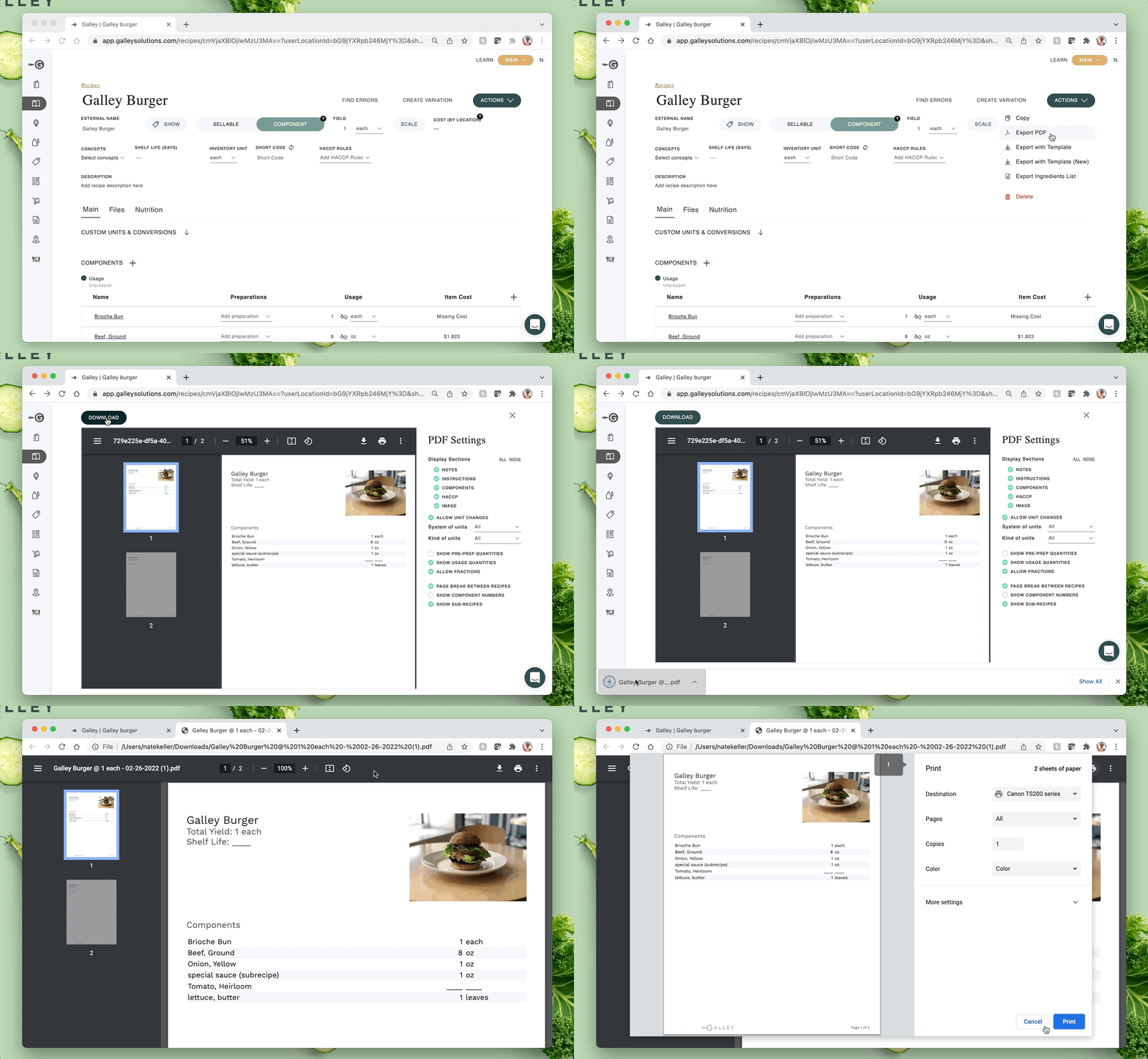
- Go to the page of the recipe that you would like to print.
- Click the “Actions” drop-down menu (top-right).
- Select “Export PDF”. This will generate a PDF at the yield of the recipe, and will include the selected recipe and its sub-recipes.
- Click "Download" on the recipe preview page to download the PDF. Click print!
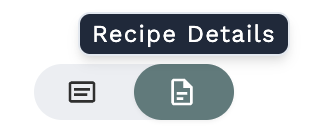
Note: If you don’t see the “Actions” drop-down to export the recipe, you’re likely on the Recipe Card view. Switch to the Recipe Detail view, then follow the steps above to print.